ARtin Icon

ARtin

Your daily routines,
turned into art

A premium habit tracker that manages your routines and to-dos through stunning visualizations

Download on theApp Store
GET IT ONGoogle Play
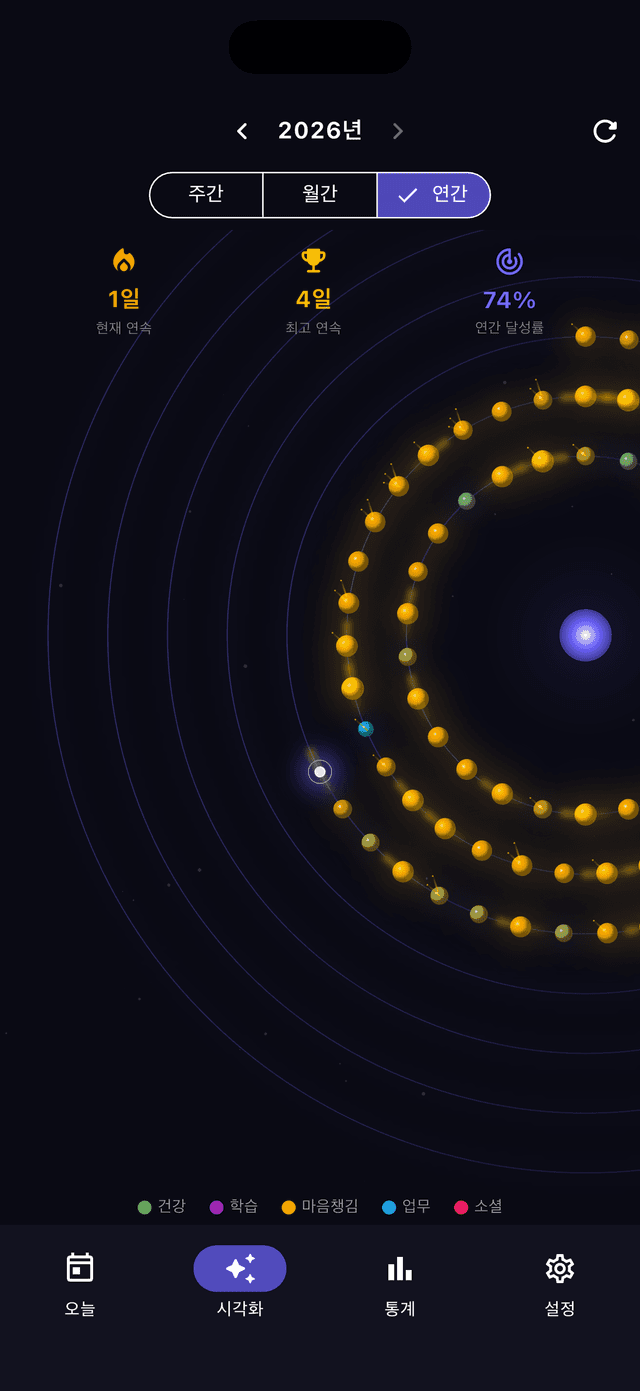
ARtin Orbit visualization
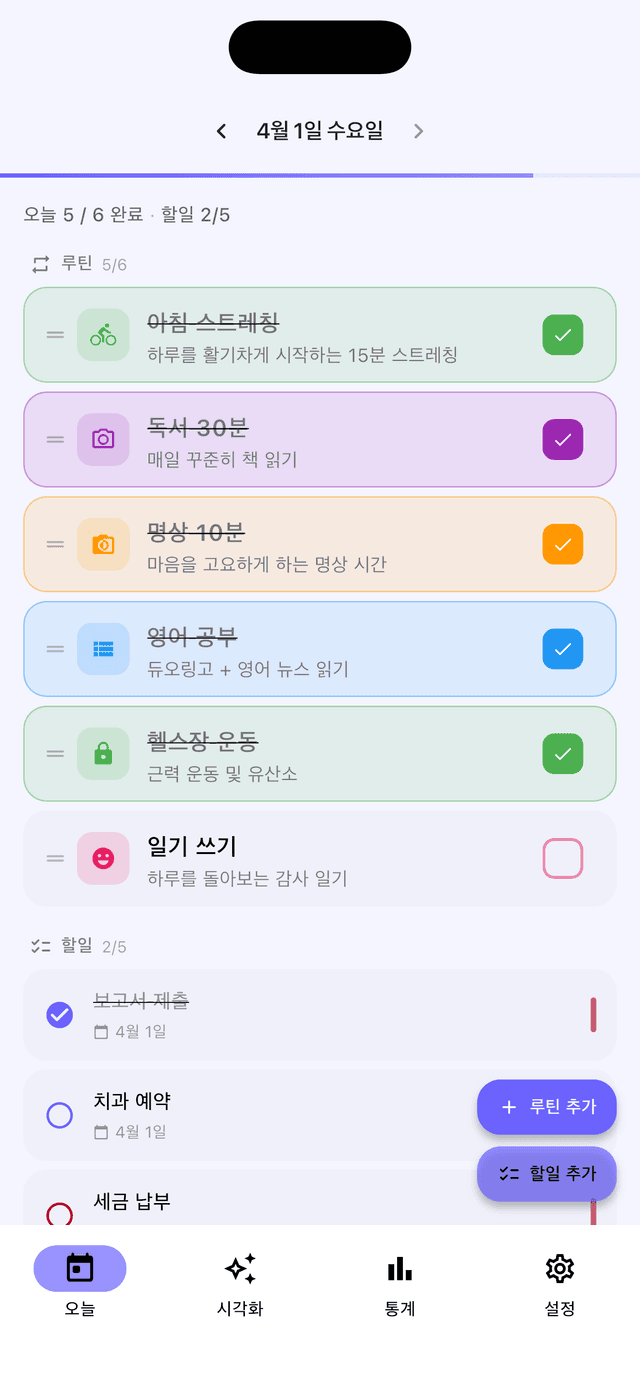
ARtin today's routines
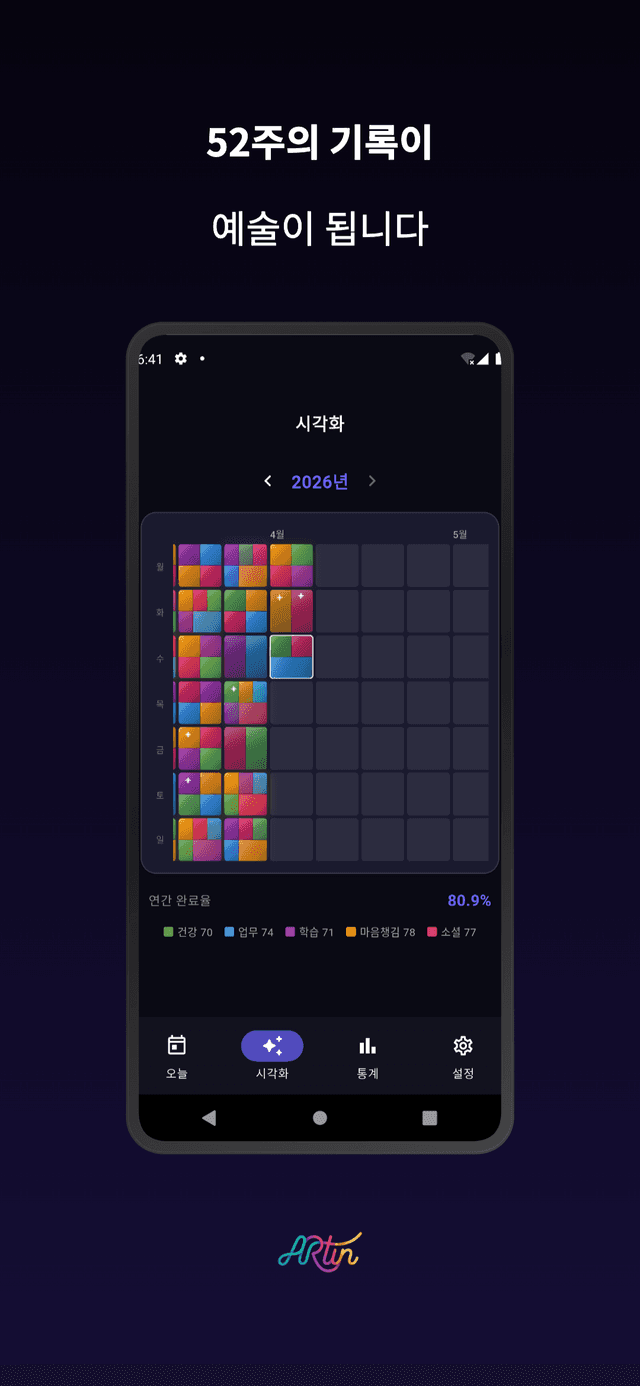
ARtin 52-week record visualization
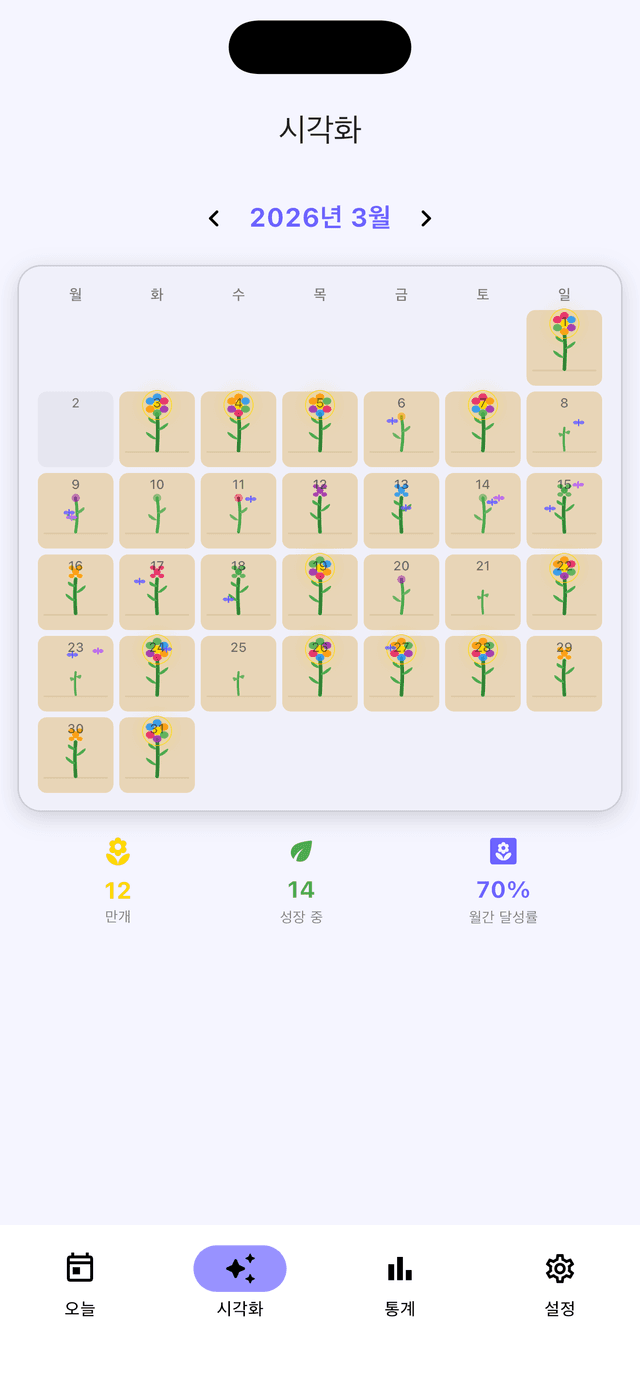
ARtin Garden visualization
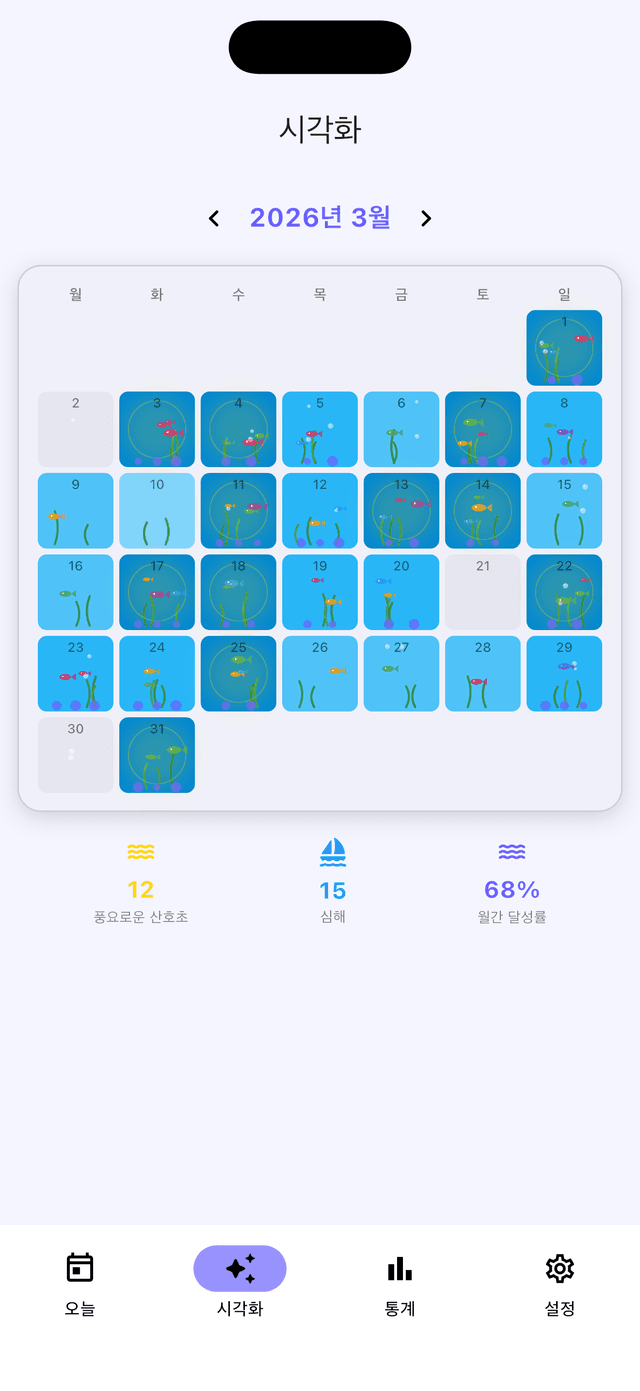
ARtin Ocean visualization
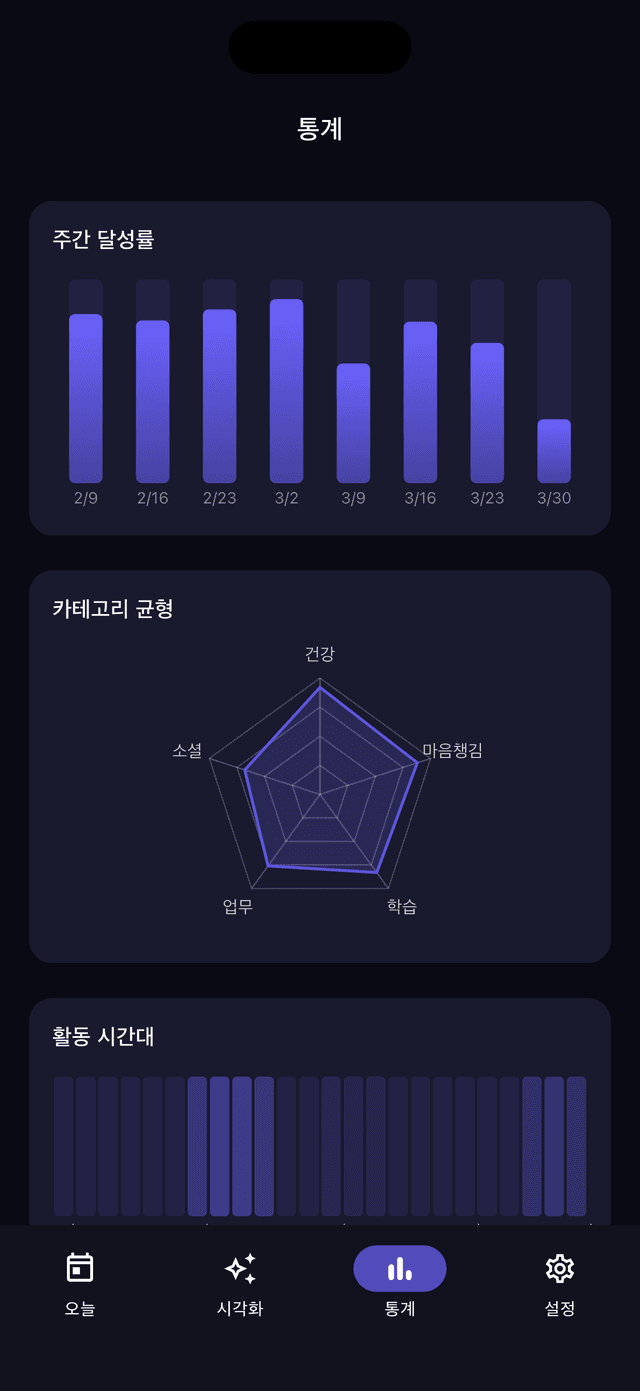
ARtin statistics & analytics

Completed routines become planetary orbits, stained glass, flower gardens, and underwater ecosystems —
a routine & to-do app that's genuinely beautiful to look at

🔄 Routine Management

  • •Create daily or weekday-specific repeating routines and track completions
  • •Color-code by category, reorder with drag-and-drop
  • •Streak tracking with badge display
  • •Particle animation + haptic feedback on completion

✅ To-Do Management

  • •Manage routines and to-dos together in a single view
  • •Set priority (High / Medium / Low) and due dates
  • •Swipe to complete, postpone to tomorrow, or delete
  • •Automatic notification on the due date

🎨 10 Visualization Themes

OrbitPlanetary orbit in space
Routine: Planet size = completion rateTo-do: Meteor
Stained GlassColored glass mosaic
Routine: Glass shard colorsTo-do: Star sparkle
GardenFlower garden growth
Routine: Soil → sprout → bloomTo-do: Butterfly
OceanUnderwater ecosystem
Routine: Seaweed → fish → coralTo-do: Bubbles
ConstellationStars in the Milky Way
Routine: Visualize your completion history
AuroraWaves of light over snow
Routine: Visualize your completion history
TrailA month on the mountain
Routine: Visualize your completion history
SkylineCity nights and sunsets
Routine: Visualize your completion history
BookshelfA library of your records
Routine: Visualize your completion history
LanternOne floating lantern for each day
Routine: Visualize your completion history

📊 Statistics

  • •Weekly completion chart, category-balance radar, time-of-day heatmap
  • •To-do summary (created / completed / overdue / weekly trend)

⚙️ More Features

  • •Dark / Light mode + 8 accent colors
  • •Korean and English language support
  • •Home-screen widgets (iOS WidgetKit / Android RemoteViews)
  • •Google Drive cloud backup & restore
  • •JSON local export / import
  • •Morning routine reminders + streak-danger alerts

Frequently Asked Questions

What's the difference between a routine and a to-do?

A routine repeats daily or on specific weekdays to build lasting habits, while a to-do is a one-time task with an optional due date. ARtin manages both in a single view.

How do I switch visualization themes?

Use the theme selector on Home to choose from 10 visualizations: Orbit, Stained Glass, Garden, Ocean, Constellation, Aurora, Trail, Skyline, Bookshelf, and Lantern.

Is my data stored on a server?

No. Routine and to-do data is stored only on your device. Data is only written to Google Drive when you explicitly use the backup feature.

How do I add a widget?

On iOS, enter home-screen edit mode and search for the ARtin widget. On Android, long-press an empty area of your home screen and tap Widgets.

What happens if my streak breaks?

You can enable streak-danger notifications to get an early warning. If a streak does break, all your past routine records are preserved.